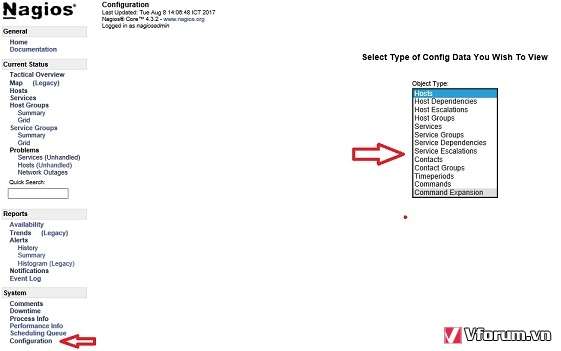
How to complete installing a plugin from Nagios Exchange
Re: How to complete installing a plugin from Nagios Exchange
In my Nagios does not have that function. Maybe, I must pay attention more on document.

Re: How to complete installing a plugin from Nagios Exchange
Sorry about that! For core you'll need to find the config under /usr/local/nagios/etc/windows.cfg. Edit the config file to include a service definition using the check_nrpe command. https://assets.nagios.com/downloads/nag ... ml#service has details on setting up a service definition. It will look something like:
Code: Select all
define service{
     host_name winserver
     service_description check-exchange
     check_command check_nrpe!LyncFrontendServicesCheck
     max_check_attempts 5
     check_interval	5
     retry_interval 1
     check_period 24x7
     notification_interval 30
     notification_period 24x7
     contacts nagiosadmin
     contact_groups admins
}
As of May 25th, 2018, all communications with Nagios Enterprises and its employees are covered under our new Privacy Policy.
Re: How to complete installing a plugin from Nagios Exchange
Hi cdienge,
It's OK now. I could see the service check. Thanks for your help.
Please take out closed the topic.!
It's OK now. I could see the service check. Thanks for your help.
Please take out closed the topic.!